

A step-by-step walkthrough of your Equifax, Experian, and TransUnion reports: what each section means, what’s normal, what’s not, and what to do next.
If you have ever opened your credit report and felt like you were reading a foreign language, you are not alone. The first time I pulled mine, it was a mess of old addresses, scary-sounding account codes, and balances that made my stomach drop. Here is the good news: a credit report is not a moral report card. It is a file cabinet. Once you know where everything is stored, you can find problems fast and fix them.
One quick clarity point for beginners: a credit report is the raw record of what lenders and collectors have reported about your accounts. A credit score is a number calculated from that record using a scoring model. If the report is wrong, the score can be wrong.
This guide walks you through the main sections you will see on credit reports from Experian, Equifax, and TransUnion, what each section means, and exactly what to look for.

Before you start: get all three reports
Your credit report is not one universal document. Most people have three major nationwide credit reports, one at each bureau: Equifax, Experian, and TransUnion. The information is often similar, but it is not always identical. One bureau might show an account or an error that the others do not.
Where to get them
- AnnualCreditReport.com is the official source to request your reports. You can typically view them online and save or print a copy for your records (options can vary a bit by device and browser).
- Many banks and credit card issuers also provide access to a credit report or a summary. Useful, but for accuracy work and disputes, I prefer the full reports from the bureaus.
Two quick tips
- Save a PDF or print a copy so you can highlight and compare sections bureau to bureau.
- Set aside 30 minutes and read it like a detective, not like a judge. Your goal is simply: “Is this accurate and complete?”
How a credit report is organized
Most reports follow the same structure, even if the layout looks different:
- Personal information (also called “identifying information”)
- Account information (tradelines)
- Collection accounts
- Public records (less common today)
- Credit inquiries
- Consumer statements (optional notes you add)
Now let’s go section by section.
Section 1: Personal information
This section usually includes your:
- Name variations (middle initial, old last name, misspellings)
- Date of birth (sometimes partially masked)
- Social Security number (often partially masked)
- Current and previous addresses
- Phone numbers
- Employers (current and past)
What this section does and does not do: It helps bureaus match accounts to the right person. It is generally not a direct scoring factor in mainstream scoring models, but errors here can cause bigger issues, like mixed files (your data blended with someone else’s), which can absolutely affect what ends up scoring.
What to check
- Address accuracy: Are there addresses you have never lived at?
- Name variations: Minor typos happen, but a totally different name can be a red flag.
- Employers: Outdated employers are common and usually not urgent, but a random employer you have never had can signal a mixed file.
- Phone numbers: Numbers you do not recognize can be removed.
When to take action: If you see identity-related weirdness (unknown addresses, names you do not recognize, multiple incorrect personal details), consider placing a fraud alert or credit freeze and start documenting everything.

Section 2: Account information
This is the heart of your credit report. Each account you have (or had) usually appears as its own block, often called a tradeline. This is where most score-impacting information lives.
Common accounts listed here
- Credit cards
- Auto loans
- Student loans
- Mortgages
- Personal loans
- Some retail cards and lines of credit
What you will see inside an account block
- Creditor name (who is reporting)
- Account type (revolving, installment, mortgage)
- Account status (open, closed, charged off, transferred)
- Date opened
- Balance
- Credit limit or original loan amount
- Monthly payment (sometimes)
- Payment history grid or monthly status codes
- Past due amount (if delinquent)
- Remarks (notes like “closed by consumer,” “paid,” “settled”)
The confusing part: payment history
Most reports show a month-by-month history with codes, but the exact codes and abbreviations can vary by bureau and furnisher. You might see things like:
- OK or Current: on-time
- 30, 60, 90, 120+: days late
- CO: charge-off
- Collection-related notes or codes (format varies)
How to read it: Pick one account. Start at the oldest month shown, then scan forward. You are looking for any month that shows a late code when you believe you paid on time, or months showing “late” after the account was closed or paid.
What to check on every account
- Is the account yours? If not, treat it as a potential identity theft issue.
- Is the status accurate? “Open” vs “closed,” “current” vs “charged off.”
- Are the dates right? Date opened and key delinquency timing matter.
- Are balances and limits correct? Especially for credit cards, incorrect limits can distort utilization.
- Is the payment history accurate? One wrong 30-day late can sting.
- Are duplicates showing? Sometimes the same debt appears more than once in a confusing way. You want to confirm whether it is truly separate reporting or an error.
A term worth knowing: Date of First Delinquency (DOFD). DOFD is tied to the specific delinquency that led to the account becoming seriously derogatory, like a charge-off, collection placement, or similar negative status. In plain English, it is the month you first fell behind and never got the account back to current before it went bad. It is not the first time you were ever late in your life. This date helps determine how long many negative items can remain on your report, so if a serious delinquency is being “re-aged” to look newer than it really is, it is something to challenge.
Pro tip: Underwriters often compare what you claim on an application to what is on your reports. If your report shows inaccurate balances or wrong monthly payments, it can complicate approvals even when your score looks fine.
One more reality check: Some “errors” are just timing. A payment, payoff, or updated balance can take a reporting cycle to show up. That is why it helps to look at the date reported or last updated field when it is available.
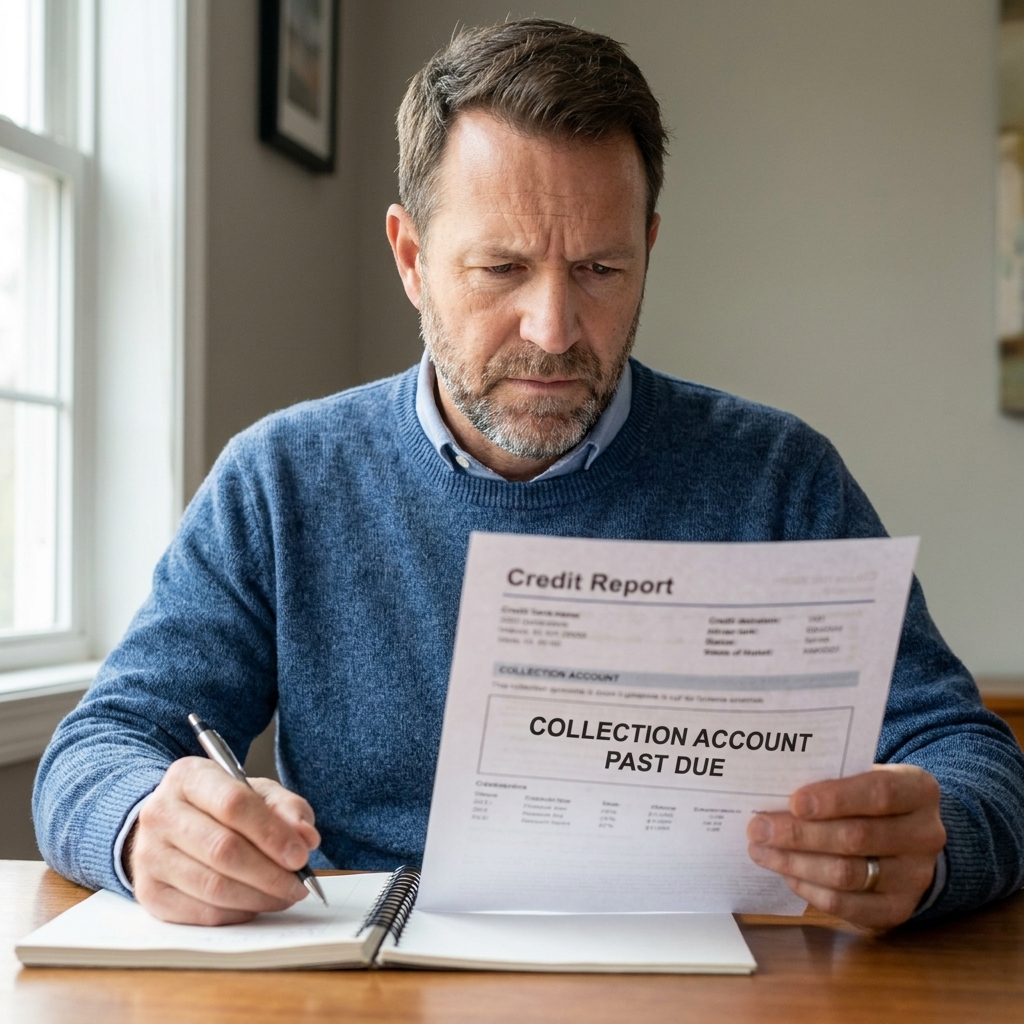
Section 3: Collections
Collections are separate from your original accounts. For example, you might have a medical bill that later appears as a collection account under a collector’s name.
What to look for
- Collection agency name and account number
- Original creditor (the company you originally owed)
- Date opened (when the collector started reporting)
- Balance
- Status (open, paid, settled)
Big mistakes I see
- Wrong balance (fees added that you do not recognize)
- Wrong person (mixed file or identity theft)
- Same debt reported multiple times by different collectors without proper updates
- Medical collections confusion, especially when insurance later pays or adjusts the bill
Note on medical collections: Medical debt reporting rules and scoring treatment have changed in recent years and can evolve again. If your collection is medical, pay extra attention to the amount, the dates, and whether it still belongs on your reports under current bureau policies.
Important: If a collection is legitimate, your strategy might be different depending on the type (medical vs non-medical), the age of the debt, and whether you are trying to qualify for a mortgage soon. Your credit report tells you what is being reported. It does not tell you your best next move. But reading it correctly is step one.
Section 4: Public records
Public records used to be a bigger part of credit reports. Today, you are less likely to see things like tax liens or civil judgments listed on the big three bureaus, but some reports may still show bankruptcy information.
If you see a bankruptcy
- Confirm it is yours.
- Confirm the filing type and key dates are correct.
- If it is inaccurate, dispute it quickly and include documentation when possible.
If you do not see any public records, that is normal. Do not assume that means there are none in the world. It just means they are not being reported there.
Section 5: Credit inquiries
Inquiries show who has accessed your credit report. There are two main types.
Hard inquiries
These usually happen when you apply for credit, like a credit card, auto loan, or mortgage. Hard inquiries can impact your score for a period of time, and they remain on your report for about 24 months. For many scoring models, the score impact tends to fade sooner (often around 12 months), but it depends on the model and your overall profile.
Soft inquiries
These are checks that do not affect your score, like pre-qualification, account reviews by lenders you already have, or your own credit checks.
What to check
- Do you recognize the company?
- Is the date right?
- Was it authorized? If not, it can be a sign of identity theft or an application you did not submit.
Heads up: If you rate-shop certain loans (like auto loans or mortgages) within a short window, many scoring models group those inquiries for scoring. The window and exact behavior vary by model, and your report may still list each inquiry separately, so do not panic when you see several from the same shopping period.
Section 6: Consumer statements
A consumer statement is a short note you can add to your credit report, usually to explain a situation or document a dispute. In most cases, I treat this as a last resort. Many lenders’ automated systems do not give these statements much weight, and they do not fix the underlying data.
If you already have one on your report and it is outdated, consider removing it so it does not create confusion later.
Your first read-through
If you want the quickest path from “overwhelmed” to “I get it,” do this in order.
Step 1: Confirm identity details
- Correct name and address history
- No random employers
- No phone numbers you do not recognize
Step 2: Make a list of every account
Create a quick list for each bureau:
- Creditor name
- Last 4 digits (if shown)
- Status (open or closed)
- Any late payments shown (yes or no)
Step 3: Circle the score movers
- Any 30/60/90-day late marks
- Charge-offs
- Collections
- High credit card balances relative to limits
Step 4: Compare bureau to bureau
Errors jump out when you see inconsistency, like:
- An account that appears on Experian but not the other two
- Different late payment histories on the same account
- Different limits reported for the same credit card
Step 5: Document what you find
For every suspected error, write down:
- Which bureau
- Which account
- What is wrong
- What the correct info should be
- Any proof you can gather (statements, letters, screenshots, payment confirmations)
Common terms
- Revolving: Credit cards and lines of credit. Your balance can change monthly.
- Installment: Loans with a fixed payment schedule, like auto and student loans.
- Charge-off: The lender marked the debt as a loss. You may still owe it.
- Closed: The account is not active. Closed does not automatically mean bad.
- Transferred/Sold: The debt may have been sold or assigned to another company.
- Past due: Amount you are behind, not the full balance.
- High balance: The highest balance ever reported, not necessarily what you owe now.
- Credit limit: Your max for a card. If this is wrong, utilization can look worse than reality.
What is not on your report
Your credit report is powerful, but it is not a complete picture of your financial life. Typically, you will not see:
- Your income
- Your bank account balances
- Your checking and savings history
- Your debit card purchases
- Your rent payments (unless reported through a rent reporting service)
- Your utility payments (unless they go to collections or are otherwise reported)
This matters because people often assume a report is judging everything they do. It is not. It is just recording certain credit-related data that gets reported.
If you find an error
When you spot something wrong, you have a few options. Which one you choose depends on the type of item and how clear the proof is.
A quick boundary that saves time: Focus disputes on factual inaccuracies. Disputing accurate negative information “just to try” usually wastes energy and can slow down the fixes you actually need.
Option 1: Dispute with the credit bureau
You can file a dispute online or by mail. Online disputes can be faster. Mail can be worth it when you want a clean paper trail and tight control over what you submit. Either way, be specific about what is inaccurate and what you want corrected or removed, and keep copies (screenshots, PDFs, and certified mail receipts if you mail it).
In many cases, bureaus and furnishers have set investigation timelines under federal law, often around 30 days. Some situations can take longer depending on the dispute and how it is submitted, so track dates and follow up if you do not get a clear resolution.
Option 2: Dispute with the furnisher
The furnisher is the company reporting the data (like your bank, lender, or collection agency). Sometimes correcting the source fixes the problem across bureaus, but not always.
Option 3: Identity theft steps
If the account is not yours:
- Place a fraud alert or freeze
- Pull your reports again after any changes
- Consider an identity theft report and keep records of every call and letter
Key mindset: You are not asking for a favor. You are asserting your right to have accurate reporting.
Quick FAQ
How often should I check my credit report?
If you are actively rebuilding, I like a rhythm of one bureau per month (rotating) so you are monitoring year-round without burning out. If you are stable, a quarterly check works for most people.
Will checking my own credit report hurt my score?
No. Checking your own credit is a soft inquiry.
Why does my credit report not match my credit score app?
Scores can be calculated using different models (FICO vs VantageScore) and may update on different schedules. Also, some apps show a summarized report, not the full file.
Why do I have three different versions of the same account?
Sometimes a lender reports slightly different details to each bureau, or updates one bureau faster than the others. That is why side-by-side comparisons are so useful.
A calm finish
When you finish reading your credit report, do not just close the tab and carry that stress around. Make a simple two-column list:
- Accurate items: leave them alone.
- Questionable items: gather proof, then dispute or follow up.
That is the whole game. Credit repair is rarely about doing a hundred complicated things. It is about consistently correcting the math.